Definition – An animated GIF is an image encoded in graphics interchange format (GIF), which contains a number of images or frames in a single file and is described by its own graphic control extension. The frames are presented in a specific order in order to convey animation. An animated GIF can loop endlessly or stop after a few sequences.
How to achieve this :
1. Tripod
2. Fast shutter speed
3. Manual camera settings ( to fix the exposure )
4. Manual focus
5. No camera shake ( be careful when pressing the button )
6. Direct the shoot ( composition / framing and where the moving elements will move from and to are important )
7. Photo-editing software ( Photoshop )
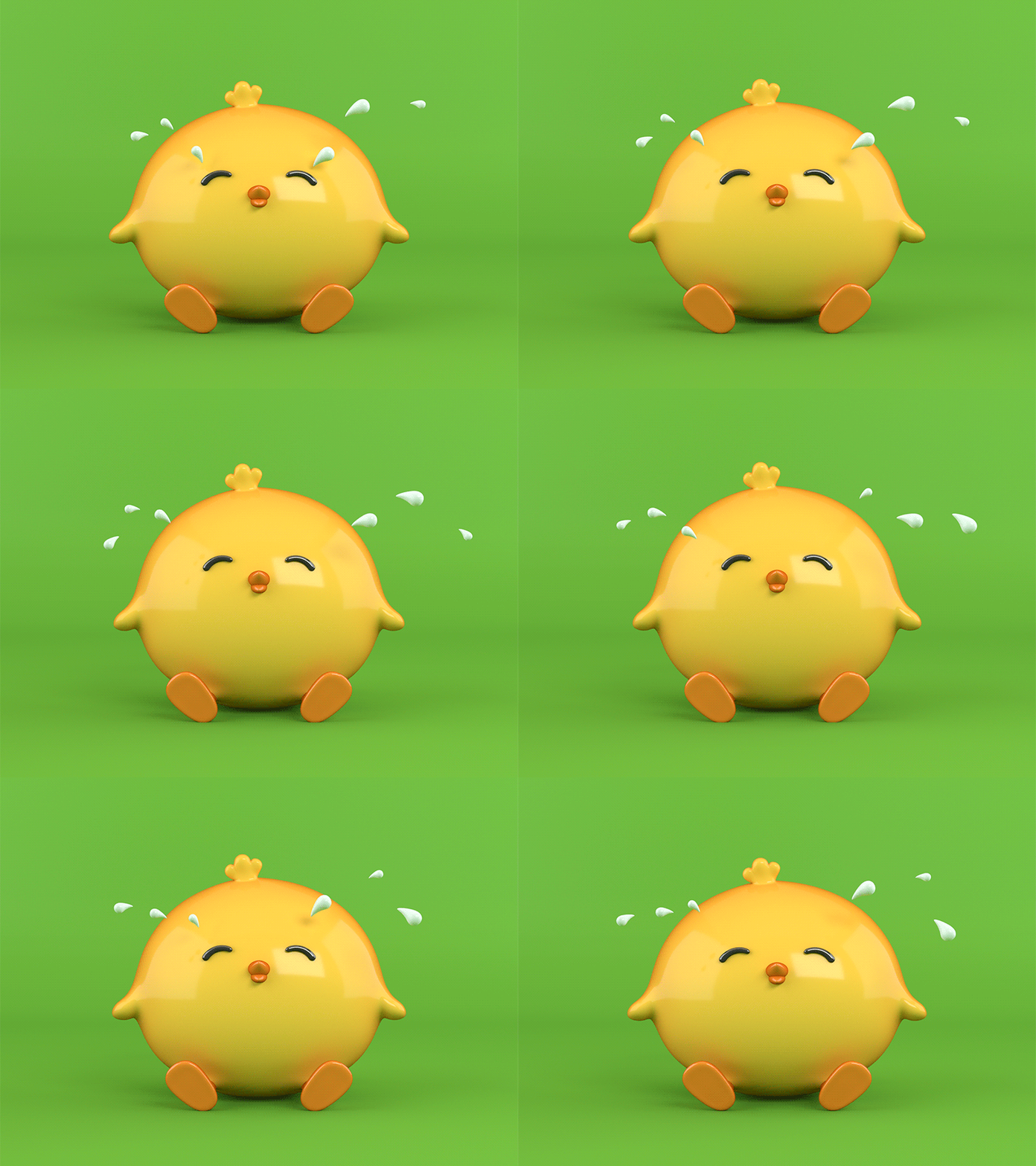
Image Bank


Contact Sheet
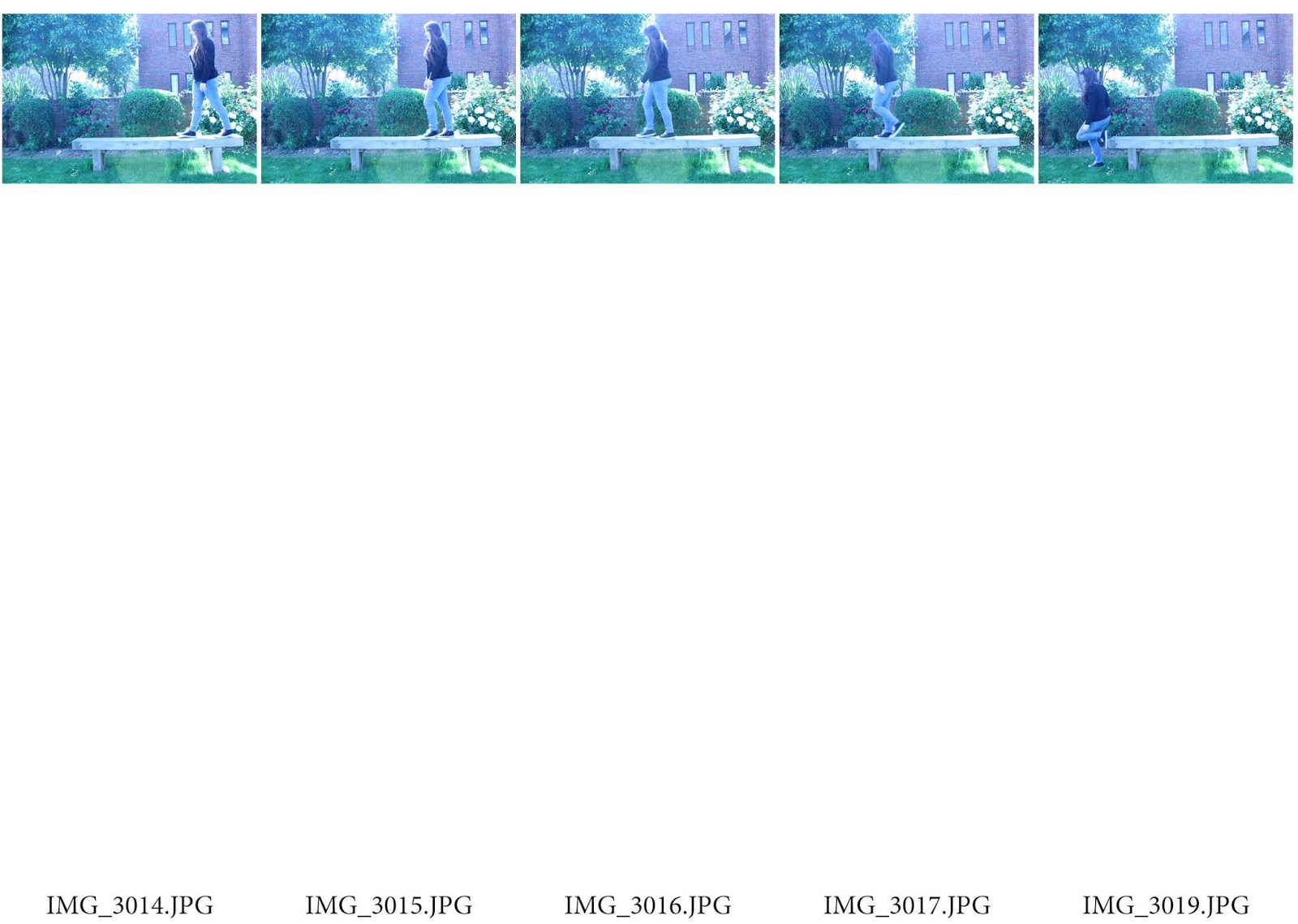
Settings
1. Manual setting
2. Shutter Speed – 1/125
3. Aperture – F 5.6
4. ISO – 200
5. Burst shoot mode
How to make an animated GIF:
1. Open photos in photoshop,
2. Go to image, image size, tick resize, select pixels on everything ( width 900 , height 600 , resolution 72 )
3. Do this to ever picture
4. Are the pictures in order
5. Then , cmd a , cmd c , go to original , cmd v ( repeat with other images )
6. Go to window, click timeline
7. Click create timeline
8. Set end duration to 5 on all pictures, then build the animation.
9. Settings on the video bit and select loop, play.
10. Select file, save for web, colour ( 128 ), looping options ( forever )
11. Save to desktop
Final product
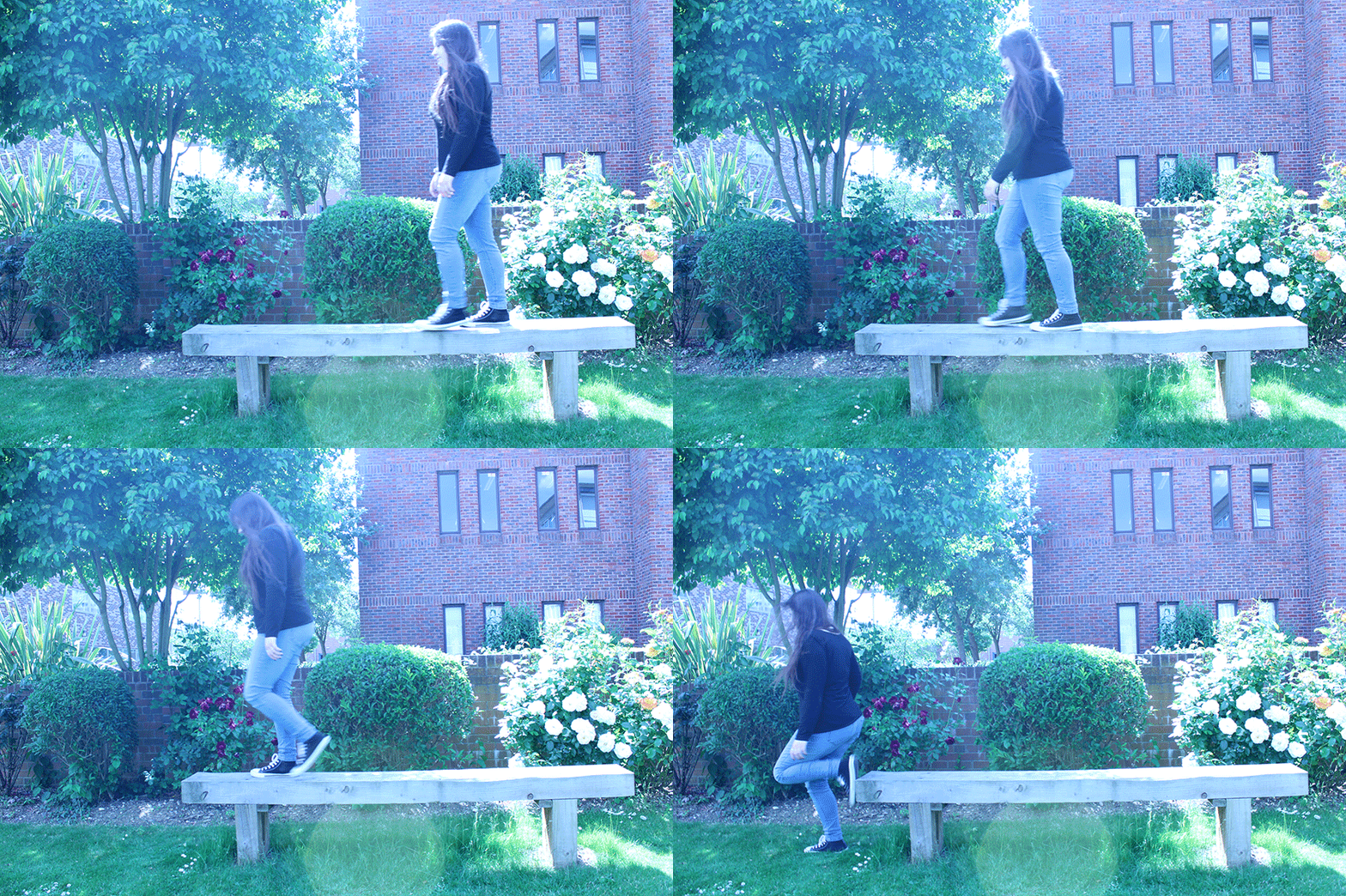
Analysis of the final product
I final product worked as a GIF. The difference between this GIF and the ones in my image bank is that mine is not a noticeable loop. Instead it shows directional movement. There is a need for improvement in this GIF because there is camera shake. I think this was caused when i was holding the capture button and this caused the shake. Either that or the tri-pod i was using wasn’t in a stable position.
How to improve
To improve this GIF all i can do is re-take the images however making sure to check the tri-pods stability. As well as this i could have also taken more than one series of images, allowing me more to choose from.
I may uses this technique in my project.
 Phoebe Wade A Level Photography